
Wired vs Wireless Streaming. Which Connection Wins?
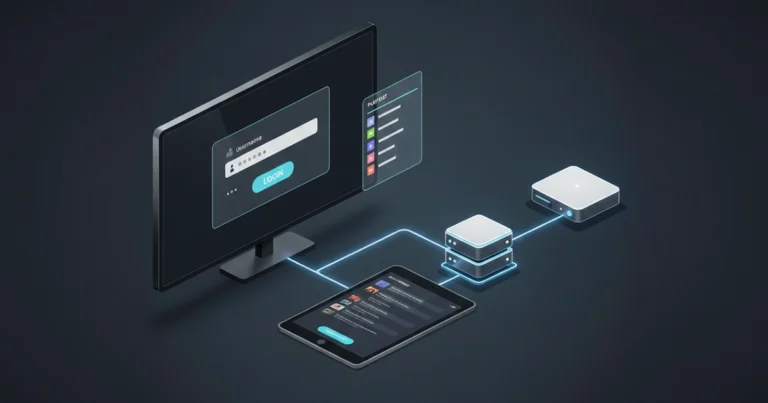
You’ve got your IPTV subscription ready, but are you connecting the right way? The debate between Ethernet cables and Wi-Fi isn’t just for gamers, it matters for streaming too. This guide compares both options so you can decide which works best for your home setup.
How Ethernet Cables Improve Streaming
Plugging your streaming device directly into your router with an Ethernet cable removes several common problems. There’s no signal interference from neighbouring networks, no dropouts when someone uses the microwave, and no walls weakening the connection. Speeds are consistent and latency is lower.
For devices that sit near your router, this is almost always the better choice. Many Firestick users don’t realise Ethernet adapters exist, they do, and they’re inexpensive.
When Wi-Fi Makes Sense
Wireless connections aren’t automatically bad. Modern Wi-Fi standards – especially 5GHz and 6GHz bands – can handle 4K streaming easily when conditions are good. If your router and streaming device are in the same room with a clear line of sight, you may not notice any difference from wired.
Wi-Fi also wins on convenience. Running cables across rooms isn’t practical for everyone, especially renters or people with complicated home layouts.
How to Improve Your Wi-Fi for Streaming
If you’re stuck with wireless, here’s how to make it better:
Connect to the 5GHz band instead of 2.4GHz (faster, less interference)
Move your router away from walls, metal objects, and other electronics
Update your router’s firmware regularly
Restart your router every couple of weeks
Consider a mesh system if you have a large home
Signs Your Connection Is the Problem
How do you know if your connection is causing buffering? Look for patterns. Does buffering happen at the same time every day (evening when neighbours are also online)? Does it happen on multiple devices simultaneously? Does it go away when you move closer to the router? These are signs your network, not your IPTV service, needs attention.
The Practical Verdict
Use Ethernet wherever you reasonably can – especially for your main TV. The improvement in stability is noticeable. For secondary devices like bedroom TVs, kitchen tablets, or phones, Wi-Fi is fine. The key is knowing which devices deserve the wired connection (the ones you use most) and which can live wirelessly.