
How to Choose the Right IPTV Player App for Your Device
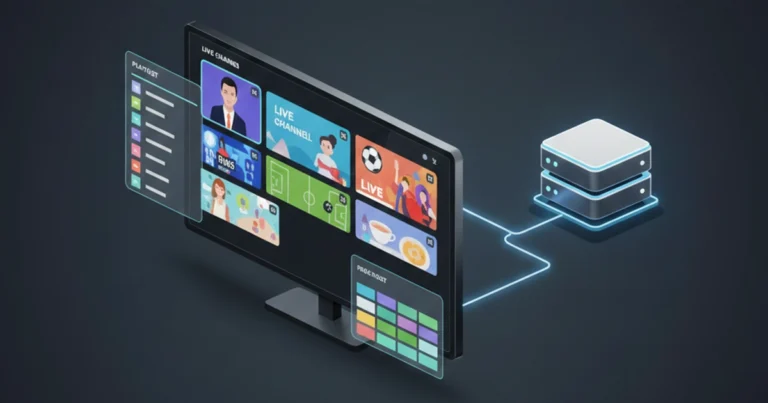
Your IPTV subscription is only half the equation. The player app you use to watch it makes a huge difference in daily experience – from channel switching speed to EPG layout to buffering behaviour. This guide helps you pick the right player for your device and viewing habits.
What an IPTV Player Actually Does
An IPTV player app takes your subscription credentials – whether an M3U link, Xtream Codes, or portal URL – and turns them into a watchable interface. It organises channels into groups, displays the programme guide, handles playback, and manages buffering. Different players do these jobs with varying levels of quality.
What to Look for in a Good Player
Not all IPTV players are created equal. Here’s what separates good ones from bad ones:
Fast channel switching (under two seconds)
Proper EPG support with clear schedule display
Catch-up TV functionality if your subscription includes it
Recording capabilities (local or cloud)
User-friendly category and favourites management
Regular updates from the developer
Best Player Types by Device
Different devices work better with different players.
For Firestick and Android TV, look for players designed specifically for remote control navigation. Interfaces should be simple, with large tiles and minimal text.
For mobile phones and tablets, touch-optimised players with gesture controls offer the best experience – swipe to change channels, tap for programme info.
For Smart TVs, check your TV’s app store first. Some brands have limited options, which may force you to use an external streaming device instead.
Free vs Paid IPTV Players
Free players work fine for basic viewing. They typically offer core features like channel lists and EPG display. Paid players usually add extras – better EPG layouts, recording features, multi-room support, and faster channel switching.
Try free versions first. If you find yourself frustrated by limitations or slow performance, invest in a paid option. Most cost less than a monthly subscription and last indefinitely.
Testing a Player Before Committing
Before you settle on a player, test it thoroughly. Load your full channel list and flick through several categories. Check how quickly channels change. Verify that the EPG populates correctly. Test playback on both live channels and any on-demand content. A player that works perfectly for someone else might perform poorly on your specific device or network.