
Understanding Bitrate: Why Some Streams Look Better Than Others
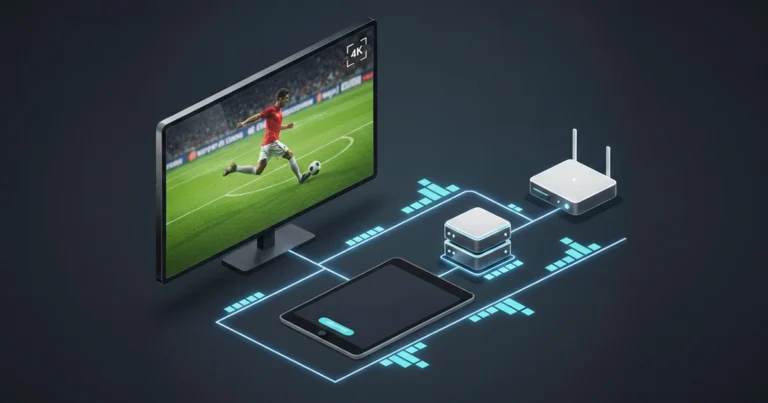
Two channels can both claim to be HD, yet one looks crystal clear while the other looks soft and blocky. The difference often comes down to bitrate, how much data is used to represent each second of video. This guide explains bitrate simply and shows you what to look for.
What Bitrate Actually Means
Bitrate is the amount of video data delivered per second, measured in megabits per second (Mbps). Higher bitrate generally means more detail, fewer compression artifacts, and better handling of fast-moving scenes like sports. Lower bitrate saves bandwidth but sacrifices picture quality, especially during complex motion.
Think of it like water through a pipe. Higher bitrate is a wider pipe, more data flows through, but you need enough pressure from your internet connection.
How Bitrate Affects Different Content
Not all content needs the same bitrate. A news interview with a static background looks fine at lower bitrates. A football match with grass, crowd, and fast camera pans needs much higher bitrate to look good. The same applies to action movies versus romantic comedies.
When IPTV services apply the same bitrate to everything, action content suffers. Good providers adjust encoding parameters based on content type to maintain quality where it matters most.
Bitrate vs Resolution. Which Matters More?
A 1080p stream at a high bitrate often looks better than a 4K stream at a low bitrate. Resolution alone doesn’t guarantee quality. A low-bitrate 4K stream can look worse than a well-encoded 1080p stream because compression artifacts become more visible when the picture is stretched.
Don’t chase 4K labels blindly. A stable 1080p stream with proper bitrate delivers a better viewing experience than a glitchy, blocky 4K stream.
What Bitrate Your Connection Can Handle
Different bitrates require different connection speeds:
Low bitrate (1-3 Mbps): Watchable on poor connections, visible compression
Medium bitrate (4-8 Mbps): Good for 720p and 1080p content
High bitrate (8-15 Mbps): Excellent 1080p, approaching transparent quality
Very high bitrate (15-25 Mbps): 4K content with good detail
Ultra high bitrate (25+ Mbps): Best possible quality, requires excellent connection
Check your internet speed regularly. If you’re paying for 100Mbps but only getting 15Mbps during peak hours, your effective bitrate capacity is 15Mbps.
How to Spot Low Bitrate Streams
Watch for these visual clues:
Blocky squares during fast motion (sports, action scenes)
Colour banding in smooth gradients (skies, shadows, skin tones)
Soft or blurry details even though the resolution claims to be HD
Grainy or noisy backgrounds, especially in dark scenes
If you notice these issues consistently, try a different stream or a different player app. Some players handle low-bitrate content better than others with superior upscaling and artifact reduction.